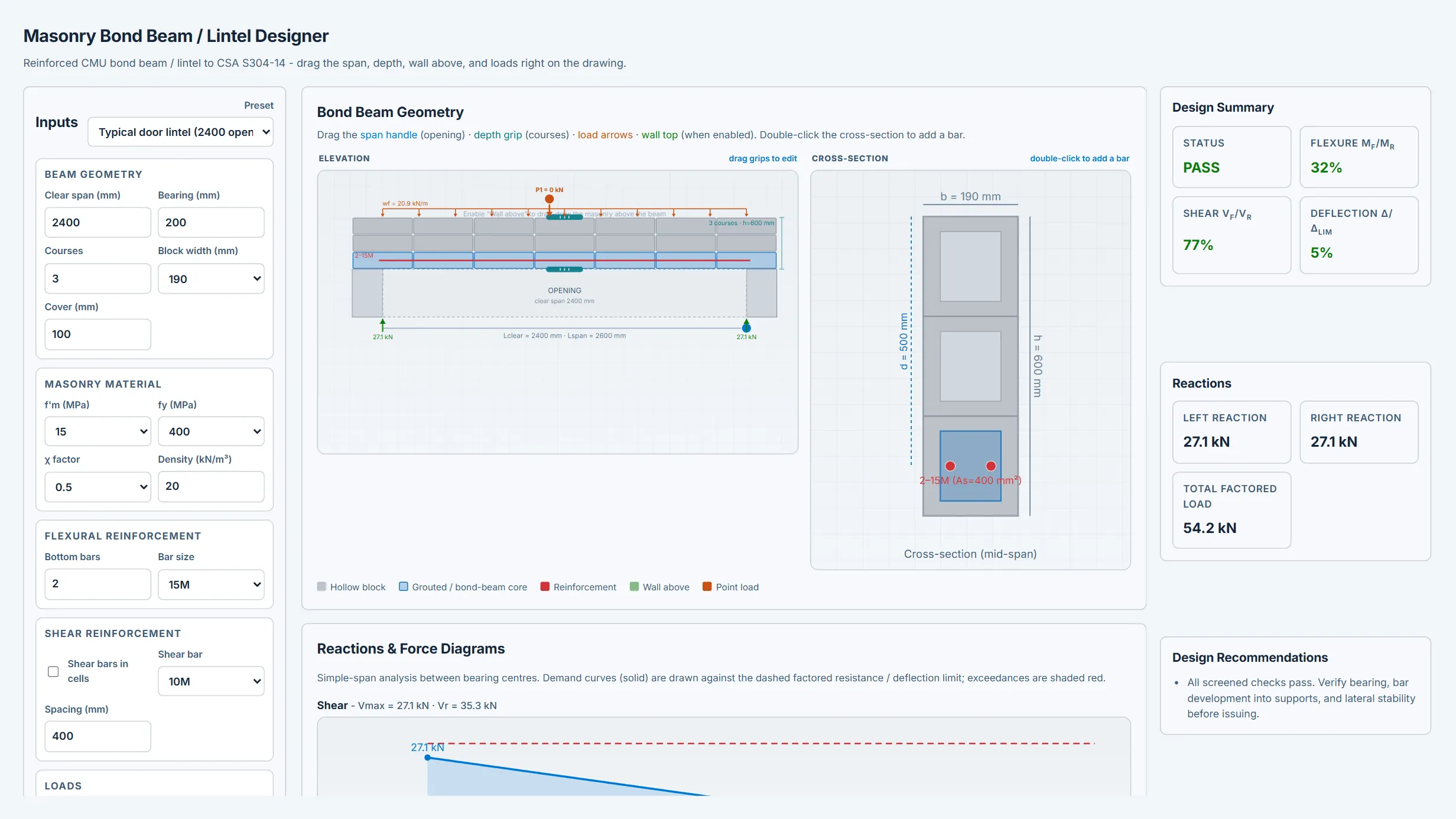
What it does
Interactive reinforced concrete-masonry bond beam (lintel) design aid to CSA S304-14. Interactive elevation (drag the clear opening span, drag the top of the beam to add/remove bond-beam courses, drag point loads along the span, and drag-draw the wall above) plus a live cross-section with reinforcement. 5 I_gross cracked-section approximation), all aligned under the elevation.
4 phi_m sqrt(f'm) b dv), deflection vs L/x, and a minimum-reinforcement screen. Toggles for beam self-weight and wall-above weight (converted to a UDL). Utilization percentages, calc breakdown, copy/CSV/JSON/Print export.
What it does not do
Preliminary design aid / screening only. Simply-supported, single bottom reinforcement layer, fully-grouted rectangular section assumed. 5 default (flexural compression parallel to bed joints) roughly halves capacity vs US/TMS practice and must be confirmed for the unit/grouting.
5 I_gross rather than an Mcr-based effective inertia. No checks for bar development/anchorage into supports, masonry bearing, lateral-torsional stability, fire, movement joints, or CSA S304-14 Cl. 16 seismic provisions.
Nominal block dimensions. Engineer review required for every output.
How to use it
Use for preliminary masonry lintel / bond beam sizing, reinforcement exploration, and review-package preparation. Confirm chi, loads, bar development and bearing, minimum reinforcement (Cl. 3), and final capacity against CSA S304-14 or MASS before design use.