What it does
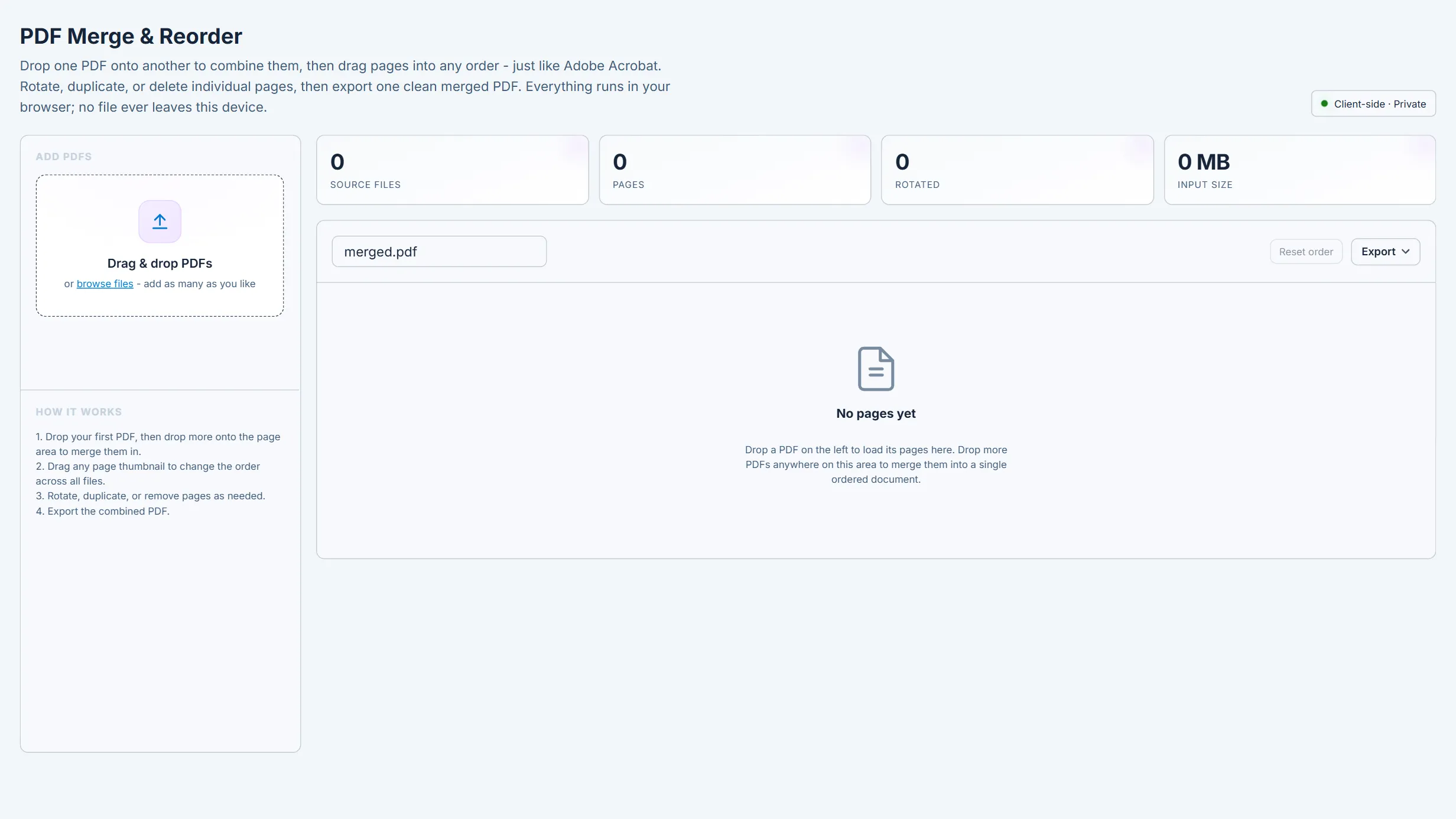
Client-side PDF combiner. Drop one or more PDFs to load every page as a reorderable thumbnail, drag pages into any order across all source files (drop one PDF onto another to merge it in), rotate, duplicate, or delete individual pages, then export a single merged PDF. js (thumbnails) and pdf-lib (page copy/merge); no file is uploaded.
What it does not do
Page-level assembly only, not a document editor: no content editing, text extraction, form/signature preservation guarantees, or OCR. Page-level encryption is bypassed with ignoreEncryption; password-protected documents may fail to load. Very large sets are limited by available browser memory.
How to use it
Use to assemble drawing packages, combine reports, or reorder scanned pages before ingestion or issue. Verify the final page order and orientation in the exported file.